How I Use Gemini Gems to Classify B2B Leads Without Repeating Myself
Reviewing B2B leads sounds straightforward until you realize you're typing the same context into an AI chatbot over and over again.

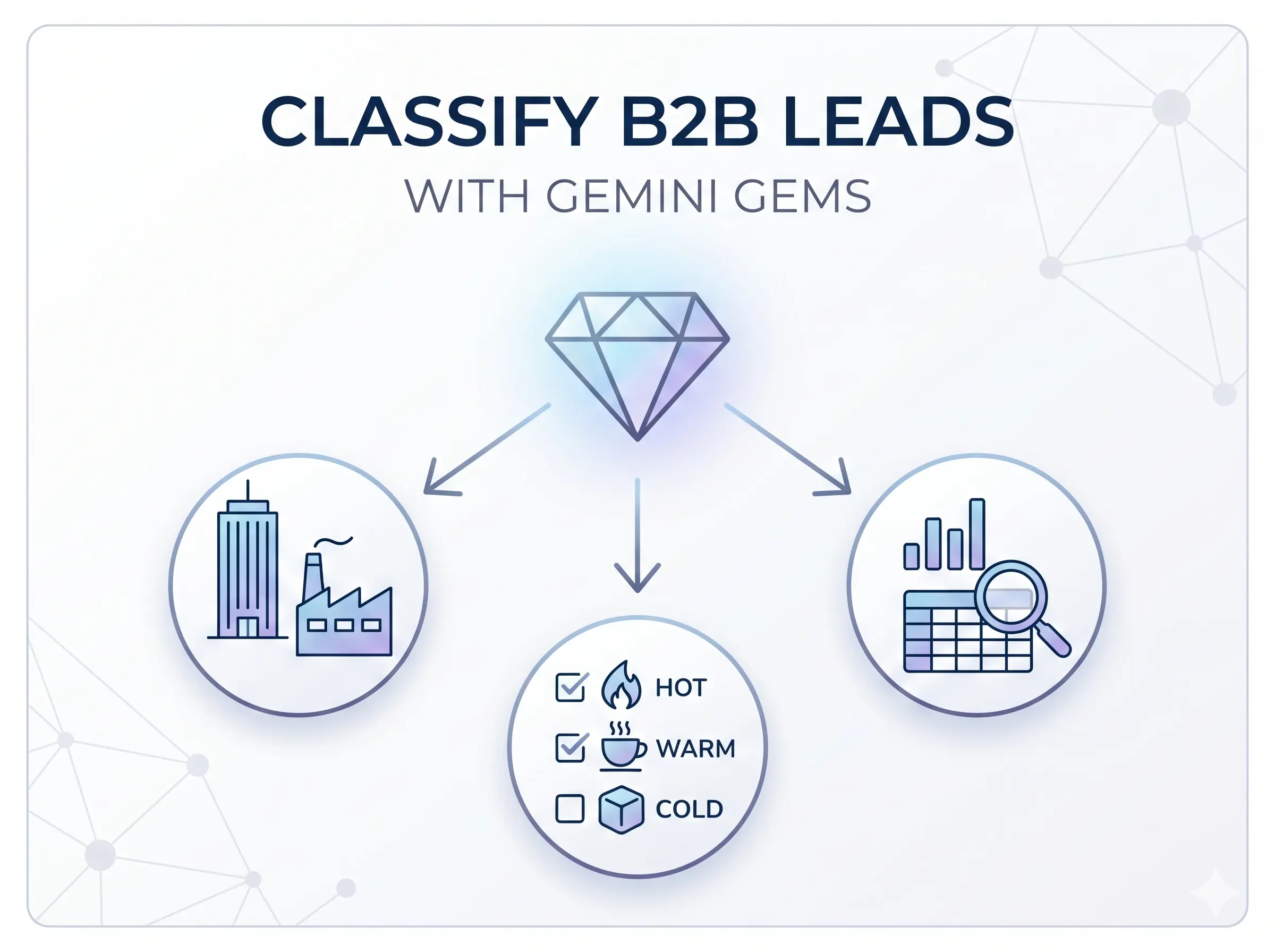
Every week, I analyze inbound leads for a B2B product. The goal is to classify them by industry, company size, and fit, so the sales team knows who to prioritize. The problem? Every time I opened Gemini, I had to re-explain the criteria. What counts as a good fit. Which industries we target. What signals indicate enterprise vs. SMB.
That got old fast. Then I discovered Gemini Gems.
What Is a Gemini Gem?
A Gem is essentially a saved AI persona inside Google Gemini. You give it a name, write a set of instructions, and from that point forward, every conversation you start with that Gem picks up exactly where those instructions left off.
No copy-pasting context. No re-explaining criteria. Just open the Gem and start analyzing.
Think of it like hiring a specialist who already knows your company's playbook.
My Setup: B2B Lead Classifier
Here's how I set up my lead classification Gem.
In the instructions, I defined:
- Target industries: the specific verticals we're going after (logistics, SaaS, manufacturing, etc.)
- Company signals: what data points to look for in a lead (company size, job title of the submitter, referral source)
- Classification tiers: Hot, Warm, or Cold, with clear criteria for each
- Output format: I asked it to always respond in a structured table: Company | Industry | Tier | Reason
Once saved, every time I paste in a batch of raw lead data, it immediately returns a clean, classified report, in the same format, every single time.
The Workflow in Practice
Here's what the actual process looks like week to week:
- Export leads from the CRM or contact form (usually a CSV or copy-pasted table)
- Open the Gem and it already knows the criteria, no setup needed
- Paste the data and ask: "Classify these leads based on our criteria"
- Review the output, a structured table ready to share with the sales team
- Spot patterns: which industries are sending the most leads? Which ones convert?
What used to take 30-40 minutes of manual sorting now takes under 5 minutes.
Why This Beats a Generic ChatGPT Prompt
You might be thinking: "Can't I just save a prompt in a doc and paste it each time?"
You can. But there are real advantages to using Gems:
- Persistent context: the Gem remembers the instructions so you don't have to manage them
- Consistent output: same format every time, which matters when you're comparing reports week over week
- Less room for error: no risk of accidentally sending an incomplete prompt
- Team-shareable: Gems can be shared with teammates, so everyone uses the same classification logic
What I'm Looking for in the Data
When analyzing B2B leads, the fields I care most about are:
- Company name and domain: to research the industry and company size
- Job title: a CEO from a logistics firm is a very different lead than an intern from a startup
- Message content: are they asking about pricing? Custom solutions? That signals intent level
- Referral source: organic Google traffic vs. a direct referral tells a different story
The Gem is instructed to factor all of this in when deciding tier classification.
The Bigger Picture
This workflow is a small example of something I keep seeing in B2B work: AI isn't replacing the analysis. It's removing the repetitive setup around it.
The criteria still comes from you. The judgment still comes from you. But the mechanical part, applying that same logic consistently to a new batch of data each week, that's where Gemini Gems shines.
If your team is still classifying leads manually, or re-explaining your criteria to an AI every time, it's worth spending 20 minutes to set up a Gem. It'll pay back that time within the first use.
Do you have a similar setup for your leads pipeline? I'd love to hear how you're using AI for B2B analysis. Reach out via the contact page.